
If the assets have not been setup ever or this is a new client that has given us access go the Facebook Business Manager Settings
https://business.facebook.com/latest/settings/partners?business_id=359524024489959&selected_partner_id=4129310787133998
Assign Assets Under Pages and Instagram Accounts - use the search bar - Click Assign People
When you assign, make sure to Select All and permissions check Everything to give the full controls to everyone in the organization
You will then have to create a token and generate a page name
Go to the token creator
https://developers.facebook.com/tools/explorer
The Meta App is Listing Village - You must have Developer Access
Paste the page name in the “User or Page” search box - this token is from the business manager or mls.facebook_page_tokens
Click the “Copy” icon - DO NOT CLICK “Generate Access Toke” (this will reset the token
Go to the Token Debugger: https://developers.facebook.com/tools/debug/accesstoken/
Paste the token and click Debug
WARNING NOTE: If the Data Access Expires is less than two months then click on the Generate Access token and re-loing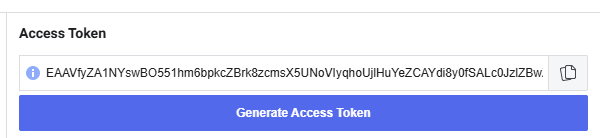
Verify the Page Name
Scroll to the bottom of the page and click “Extend Access Token”
Copy the new token
Paste the token into the database at mls.facebook_page_tokens facebook_page_access_token field
After all pages have been updated check the tokens by making sure no pages appear on the metrics page. https://www.listingvillage.com/metrics?pagetype=stats